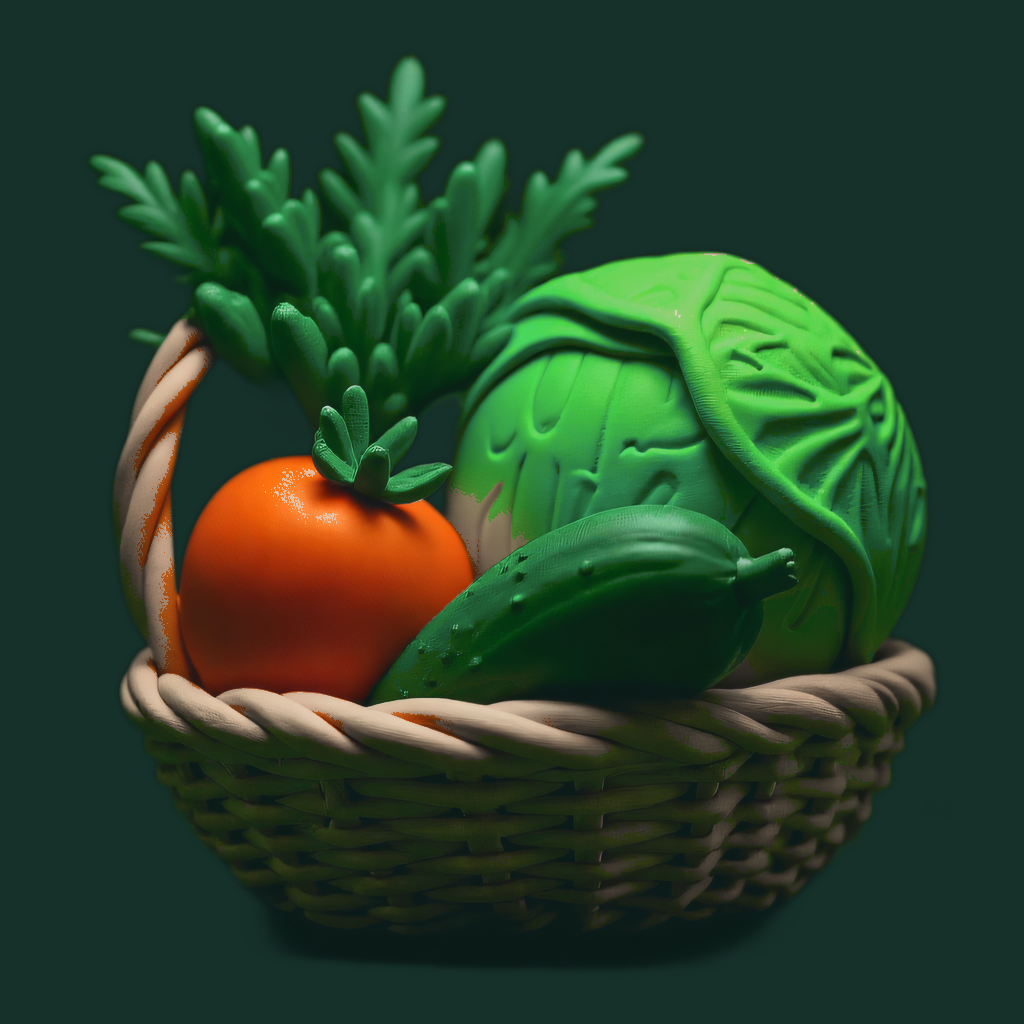
 RipeRosterRipeRoster
A queue for the produce already at home, ordered by ripeness instead of by date. One tap moves a stage, one tap closes an item.
Five stages, moved by hand. Nothing here reads a calendar.
No dates to type, no recipes to scroll past. RipeRoster tracks what changes when you look at your own kitchen.
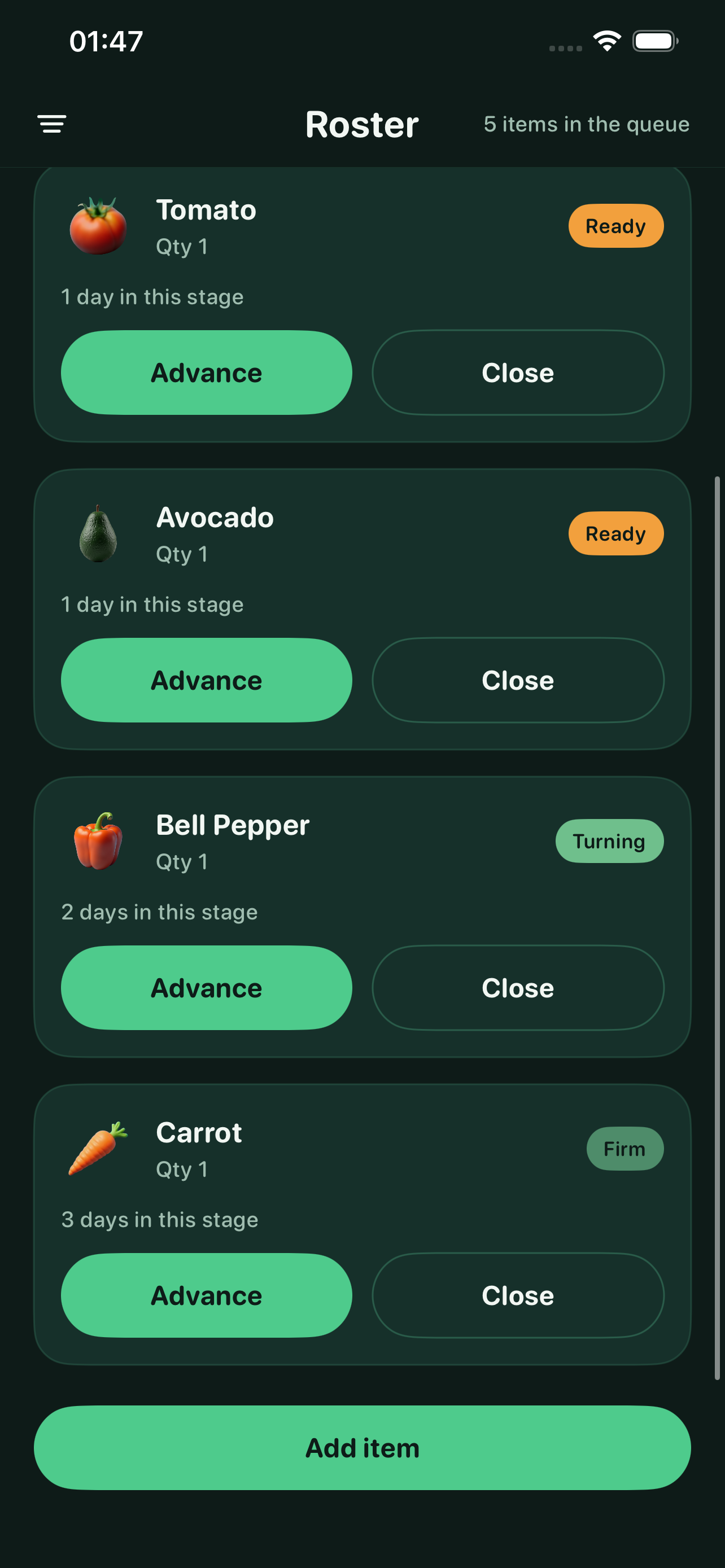
Add a kind, a quantity and the stage it's in today. The Roster keeps everything in eating order, closest to its peak at the top, with the days already spent in that stage shown on the card. One tap on Advance moves it forward — no automatic clock, you decide when something changed.
Close a finished item as Eaten, Shared, Composted or Tossed. The Ledger groups closures by day and filters by Saved or Tossed.
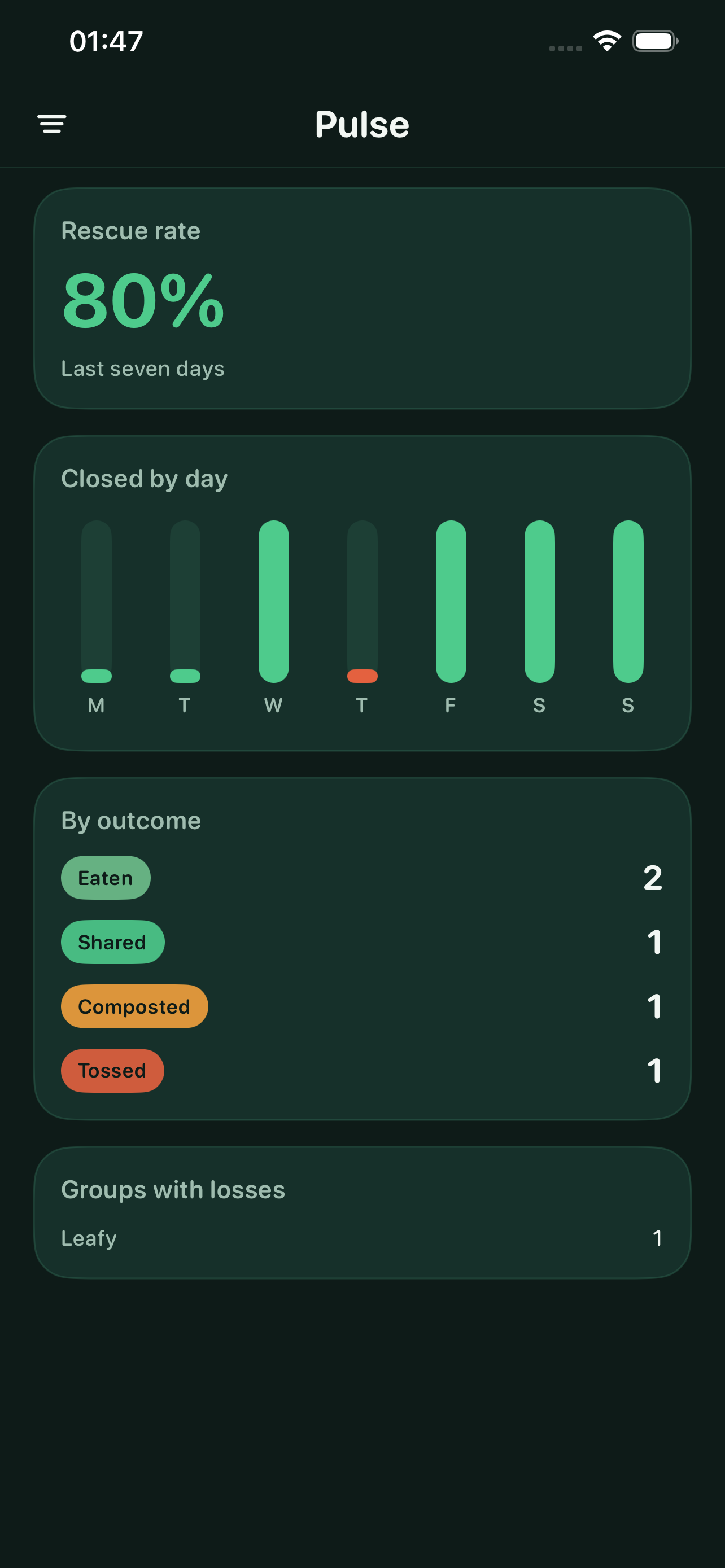
See a seven-day rescue rate and a streak of days without a tossed item. Pick a run target of 7, 14 or 30 days and watch the ring fill.
Tick off habits like checking the crisper or moving the oldest item forward, with a seven-day strip behind today's list.
Roster, Pulse and Run — three of the app's screens, straight from the build.
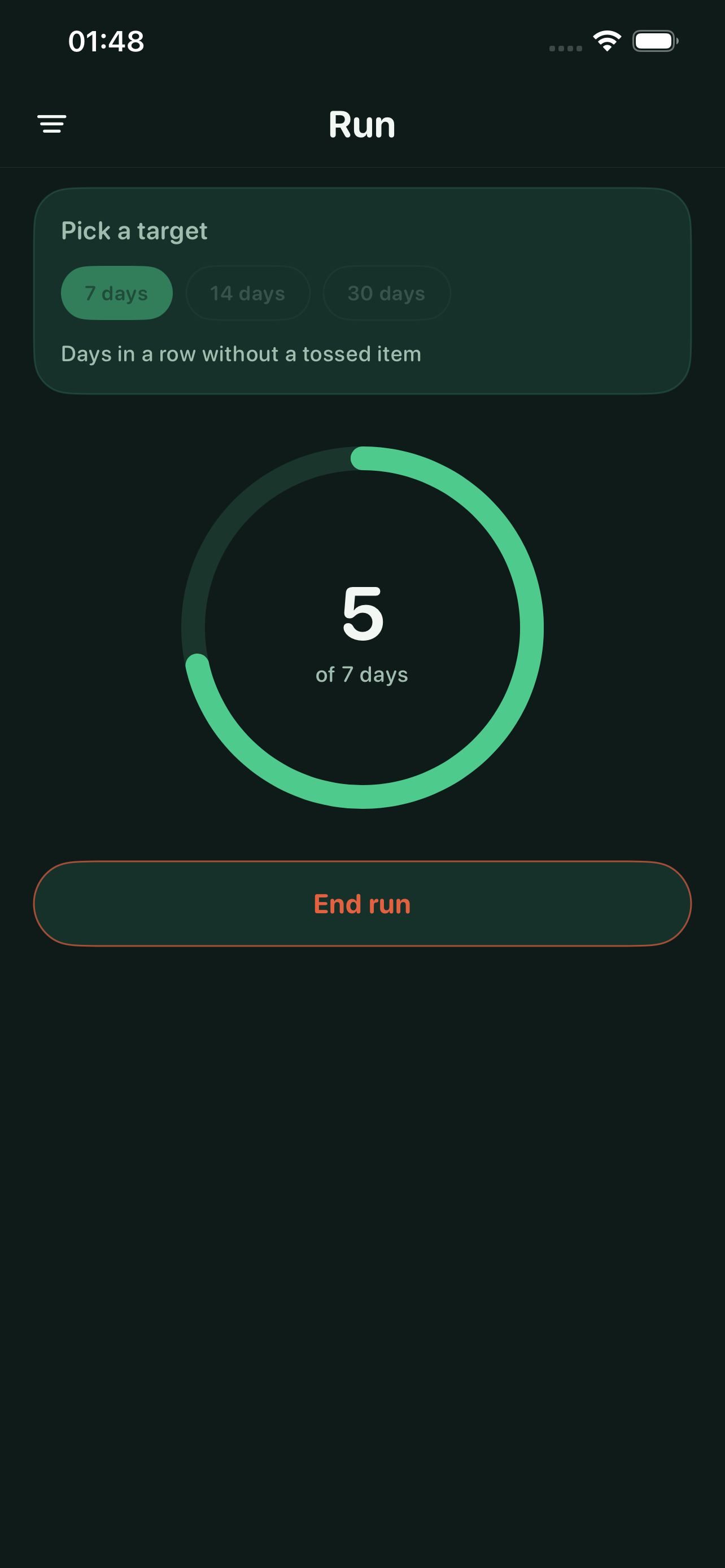
The numbers are there to be looked at, not argued with. A tossed item ends the current run and the count starts again — no scolding, no target you're forced to hit. Everything stays on your phone: no account, no network, no ads.